Your music, your way
Works with any Subsonic / OpenSubsonic server, or no server at all
TouchGroove plays your music however you keep it. Point it at a folder with Local Library mode (no server required), and if you later run Navidrome or any Subsonic-compatible server, everything merges into one view.
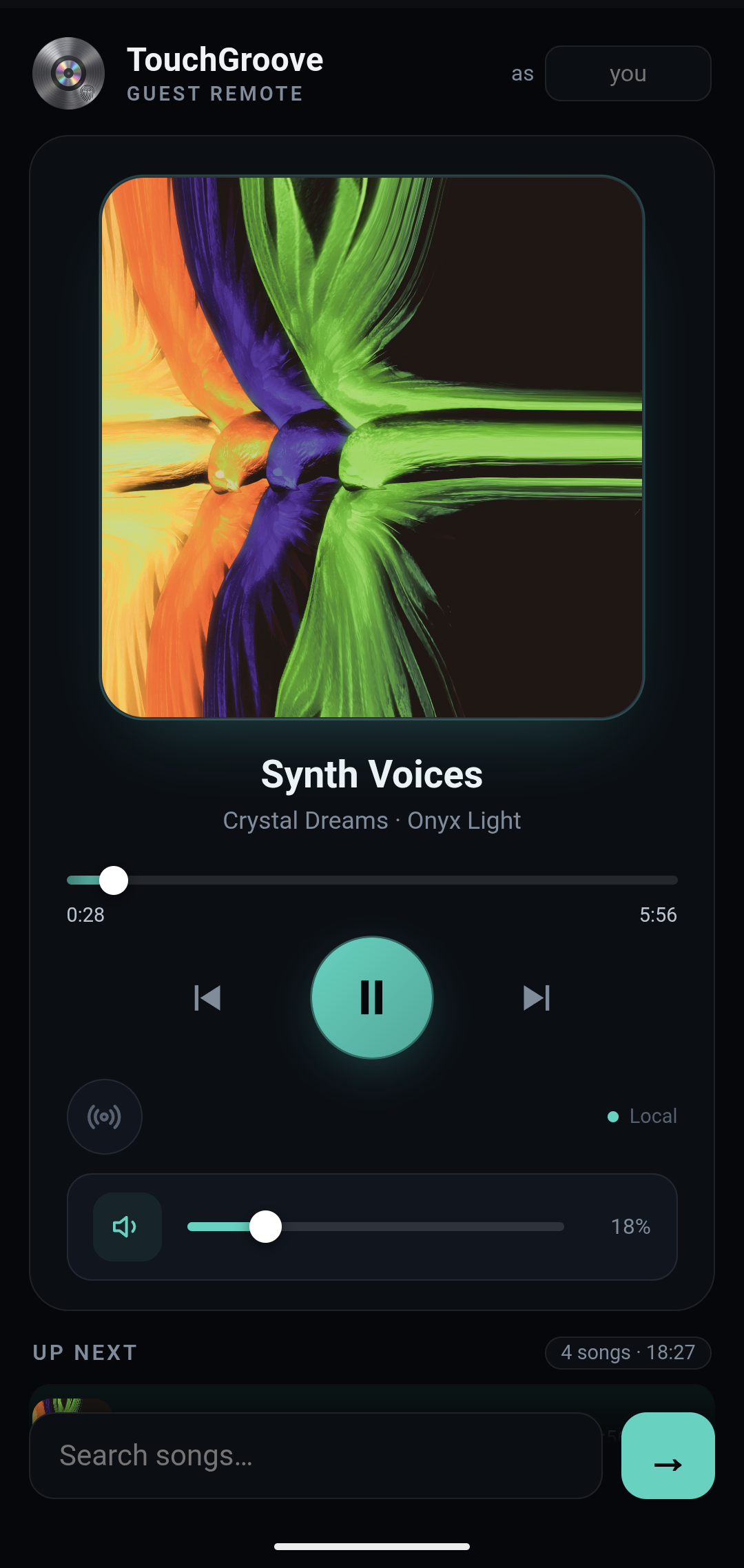
Phone remote & guest queue
Guests queue songs from their phones.
The jukebox shows a QR code. Anyone on your WiFi scans it and gets the whole party in their hand. Search the library, queue songs, play or pause, adjust the volume, even scrub the track. No app to install, no passwords. Works on any phone or tablet.
- Scan the QR code for an instant remote. No login, no app
- Search, play/pause, volume, seek and star, right from a phone
- Guests only see the controls you give them, so nothing to break
- One toggle in Options turns the guest queue off entirely
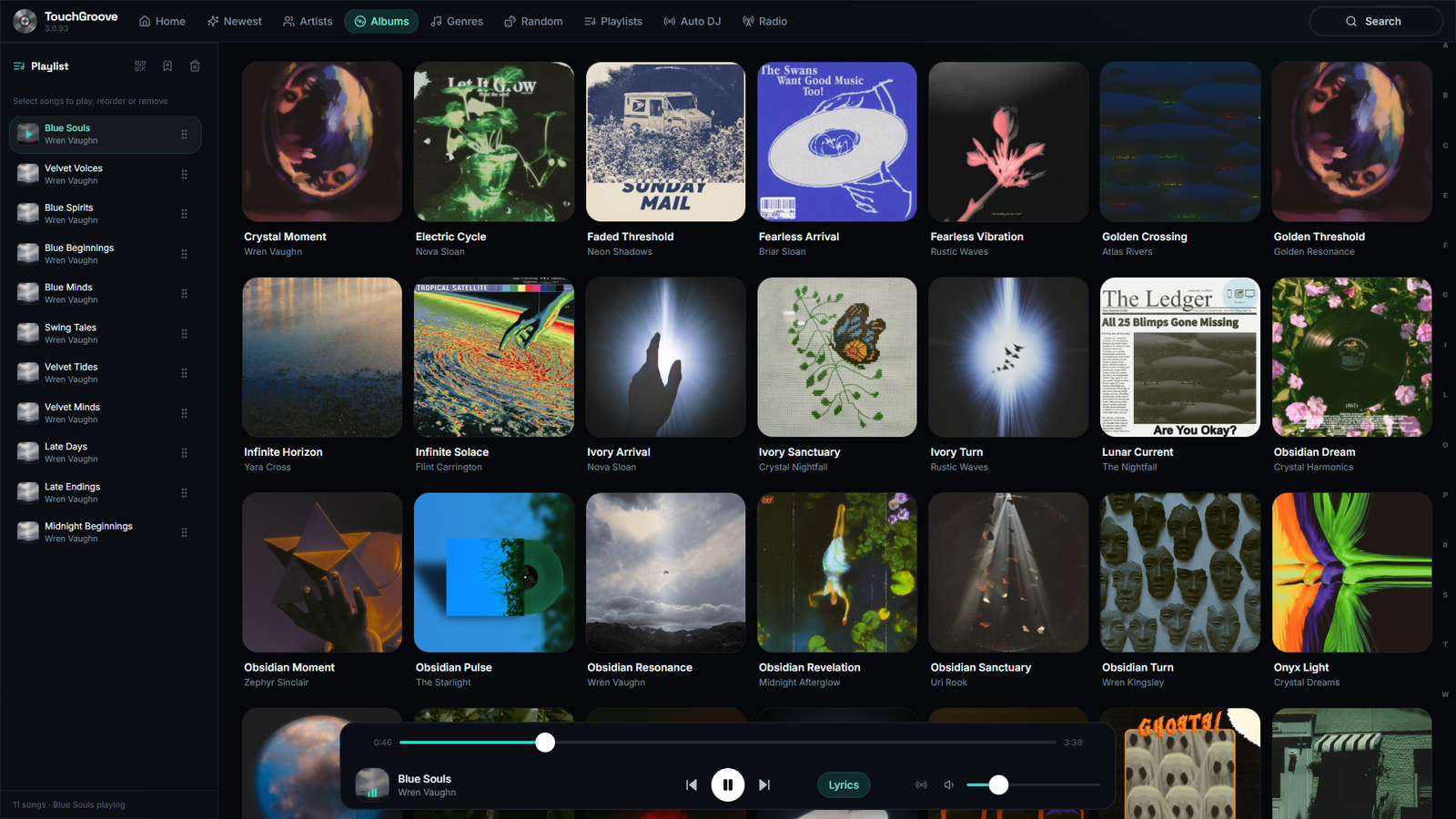
Local library
No server? No problem.
Simply direct TouchGroove to your music folder and play. No cloud, no subscriptions, no streaming service required. If you decide later to run Navidrome or another Subsonic/OpenSubsonic server, TouchGroove merges all your music into one view, duplicates resolved.
- Point at a music folder. Done, everything just works
- Merged library: local + server side by side, one view
- Subtle "Local" badges tell you where each album lives
- Works offline. It’s your music on your network
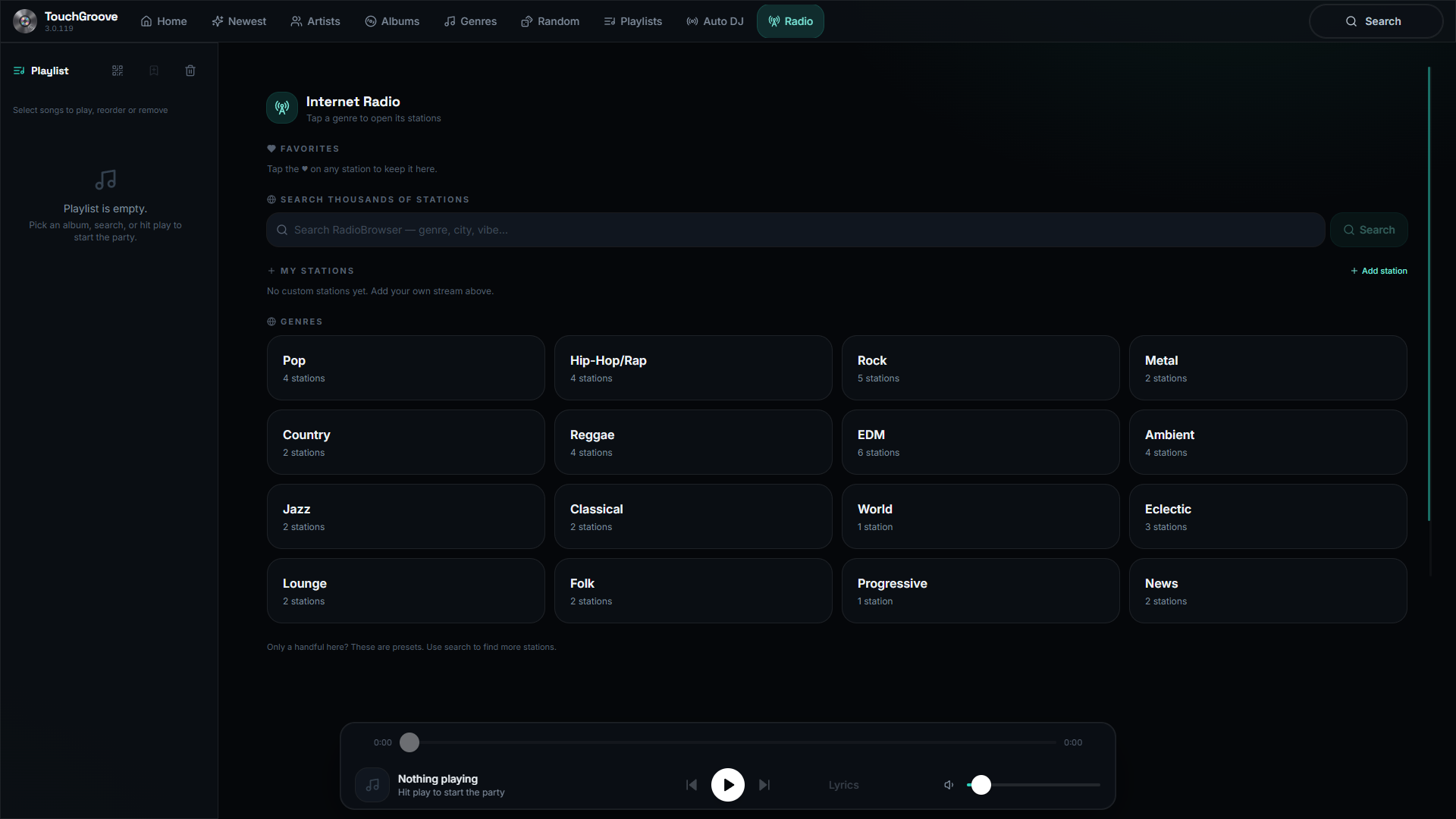
Internet radio
Can’t decide? Let the radio decide.
Sometimes you want to hear something new, or you just can’t settle on an album. Built-in internet radio stations sit right beside your library. One tap and the music keeps coming.
- Integrated stations, ready to play. No account, no extra services
- Sits alongside your library, switch back any time
- Plays in the same player as the rest of the app
Auto DJ
Keep the party going.
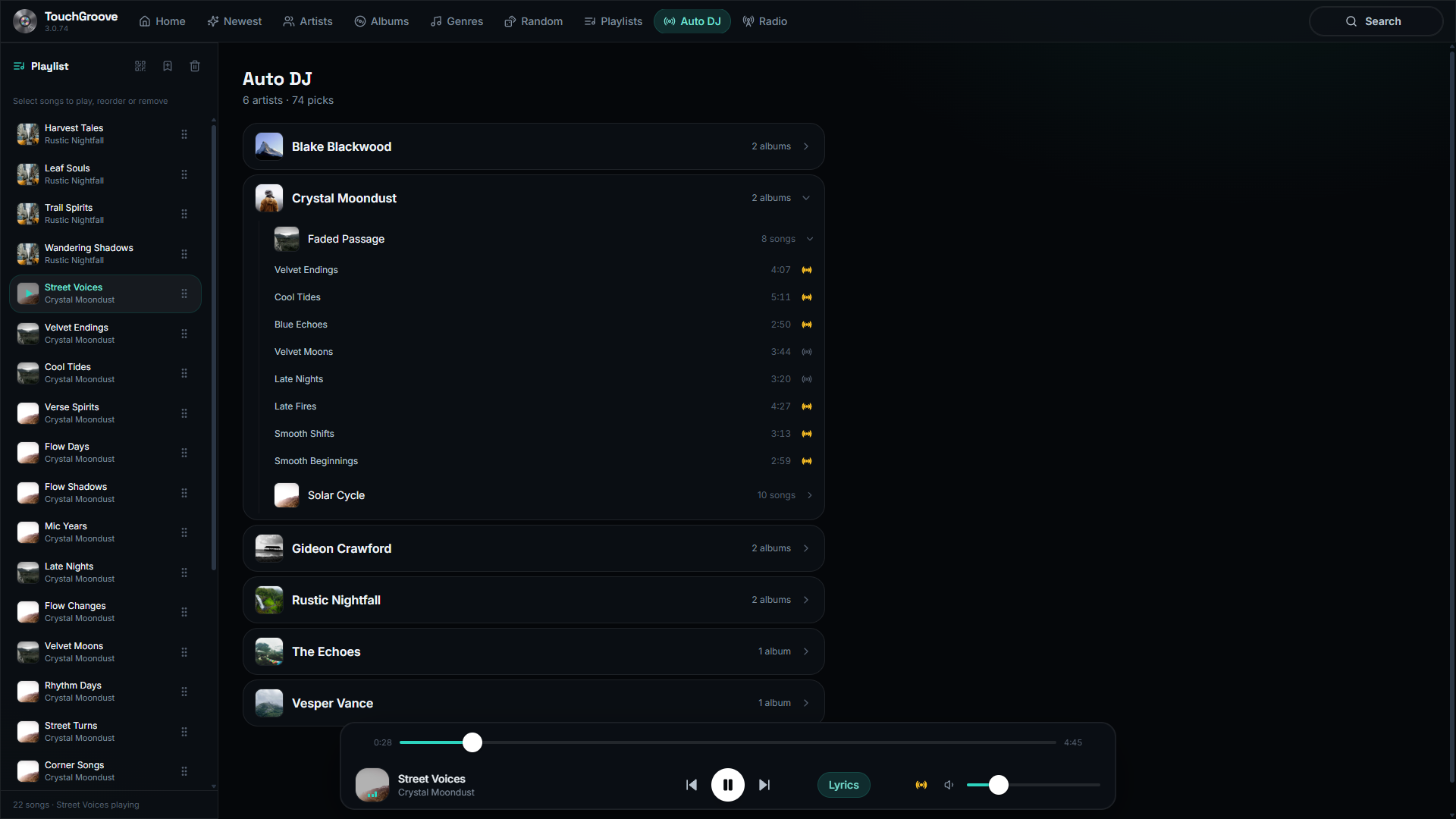
Auto DJ plays randomly from your Auto DJ list, songs, albums or artists of your choosing, so the music doesn’t stop when the queue runs dry. Love the artist but can’t stand that one song? Add or remove individual songs with a simple touch.
- Plays randomly from your Auto DJ list of songs, albums or artists
- Add or remove individual songs with a simple touch
- Takes over automatically whenever the queue is empty
Synced lyrics
Sing along on the big screen
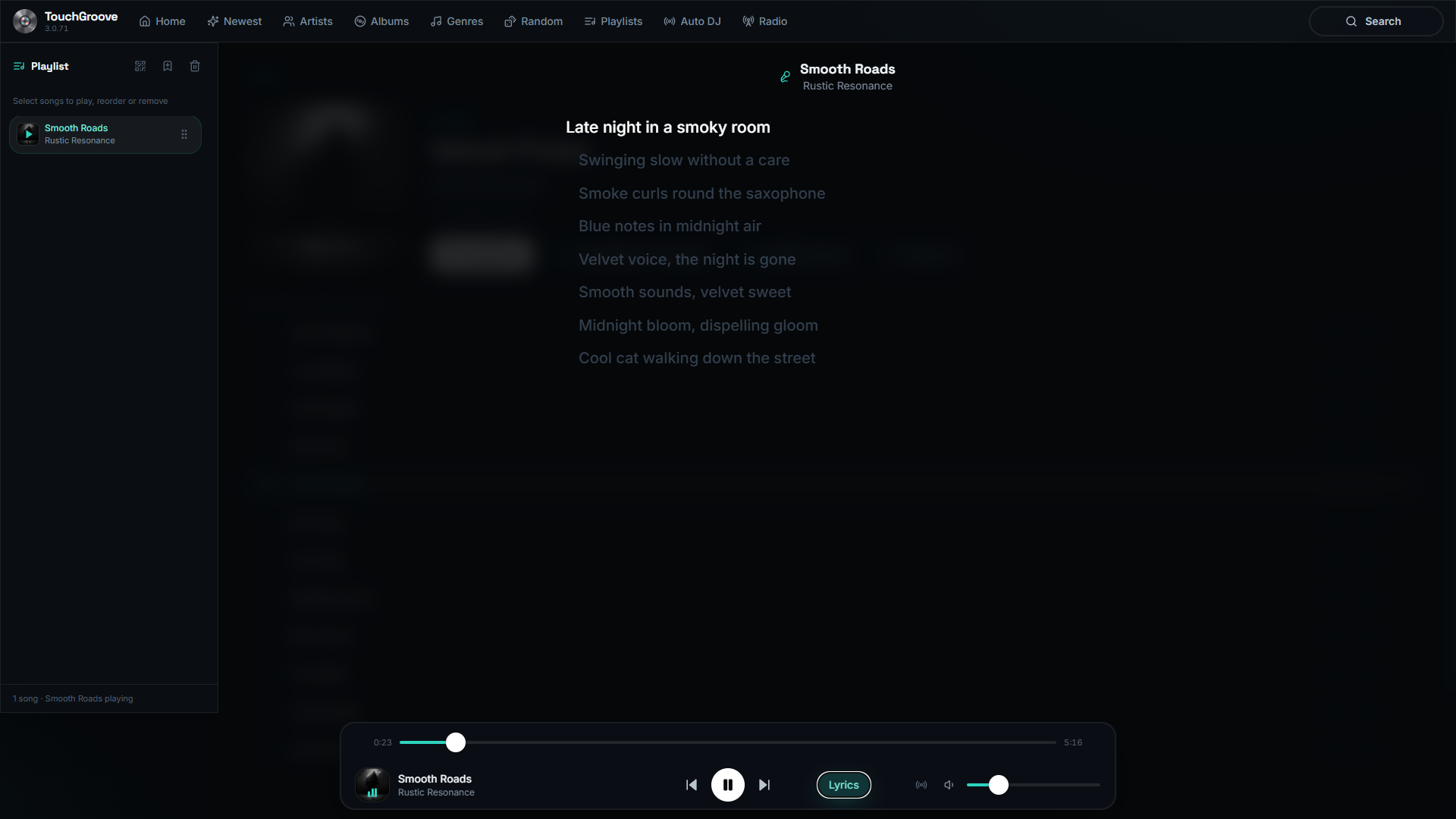
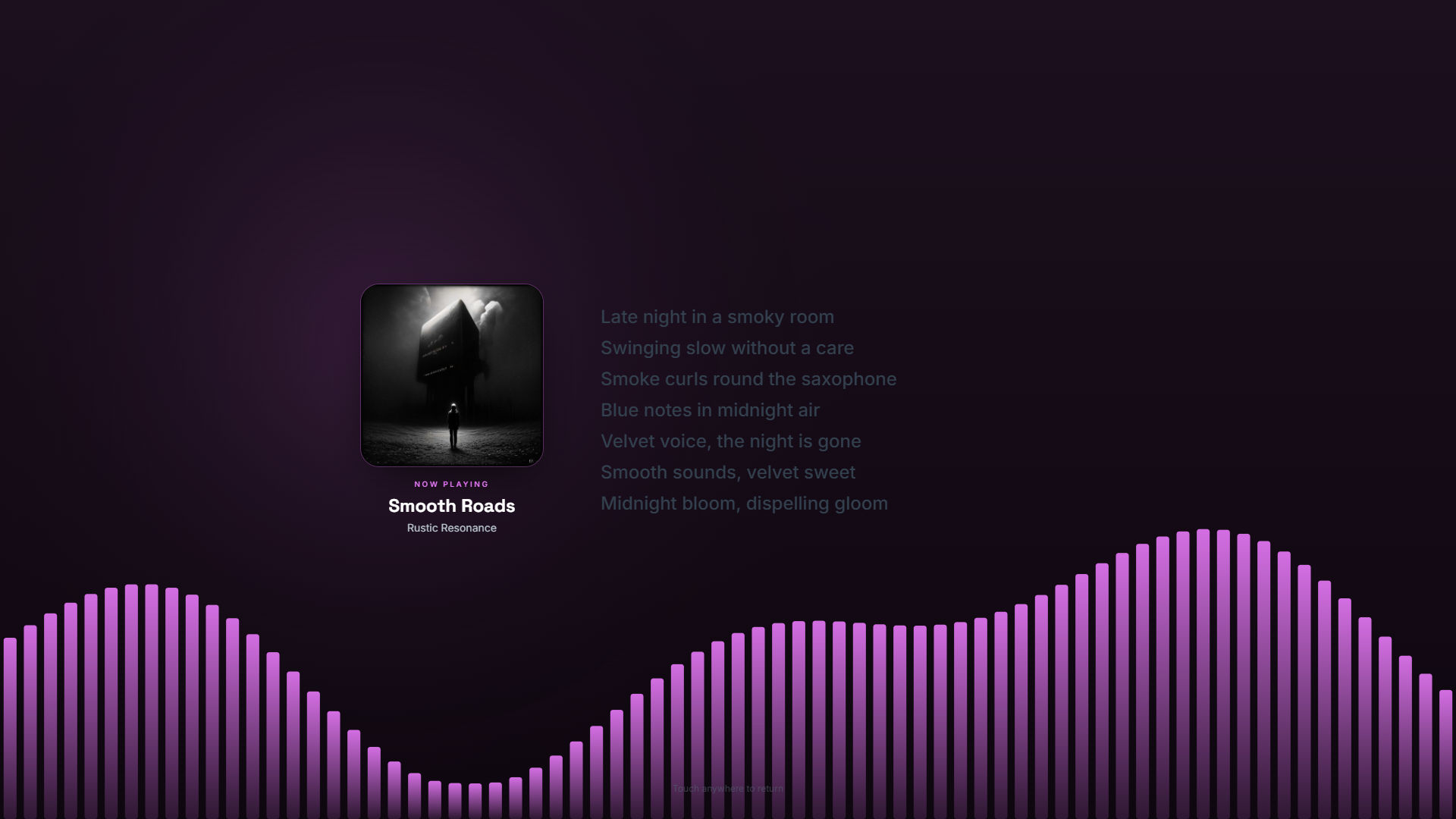
Supports synced lyrics from .lrc files or embedded tags, with karaoke-style active-line highlighting on the big screen. The lyric pane follows along line by line as the song plays.
- Active-line highlight synced to the music
- Lyrics pill on the player bar, one tap to open or close
- Auto-scrolls as the song progresses
Ambient visualizer
When the party slows, the screen takes over
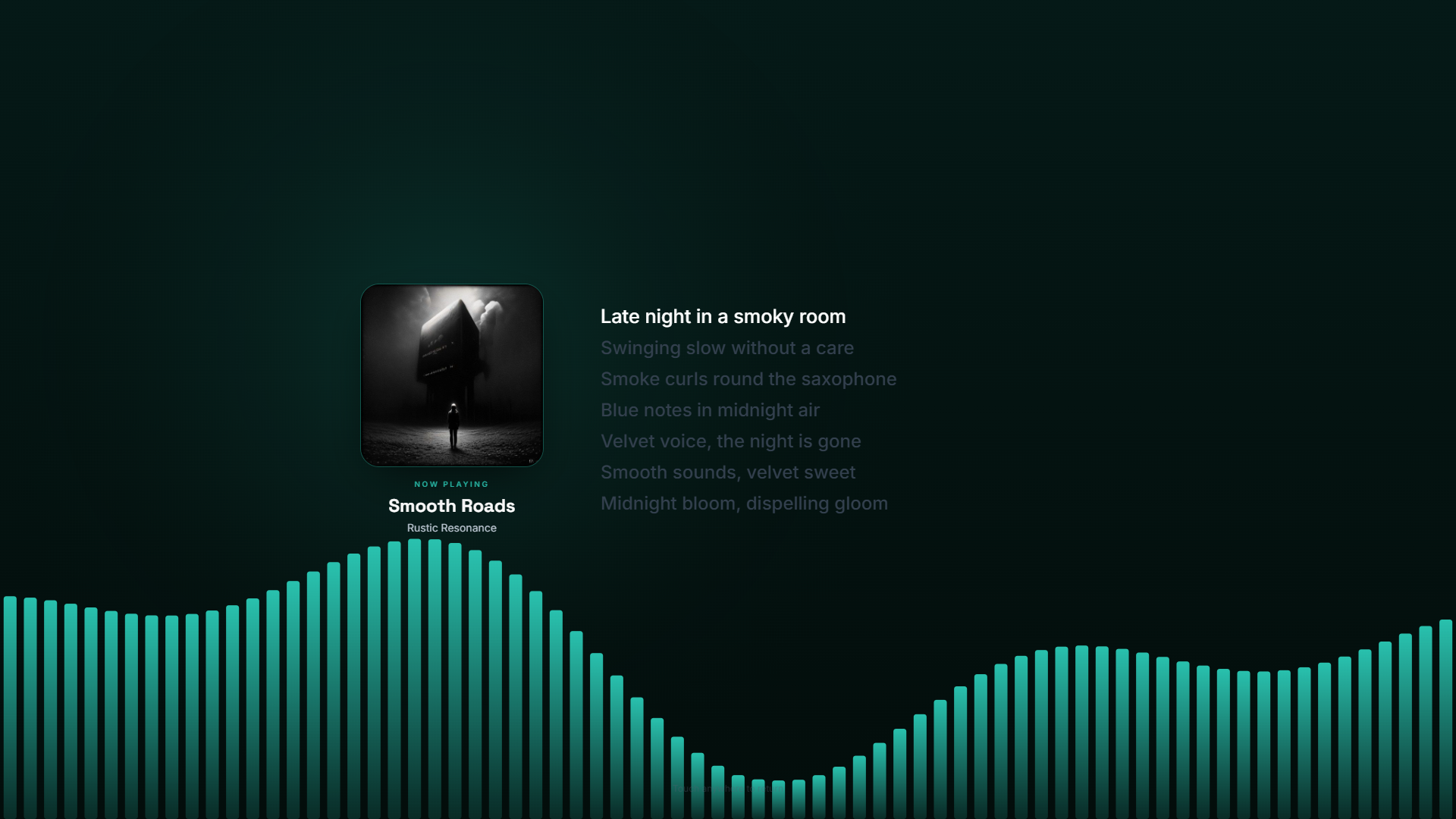
User-adjustable ambient screensaver mode turns the kiosk into a living visualizer: now-playing album art, synced lyrics, and an adjustable FFT visualizer that follows your colour scheme. Any tap brings you straight back to the main player.
- Adjustable FFT visualizer in your accent colour
- Now-playing album art and synced lyrics on screen
- Configurable idle timer, from seconds to hours
Every view
One tap away
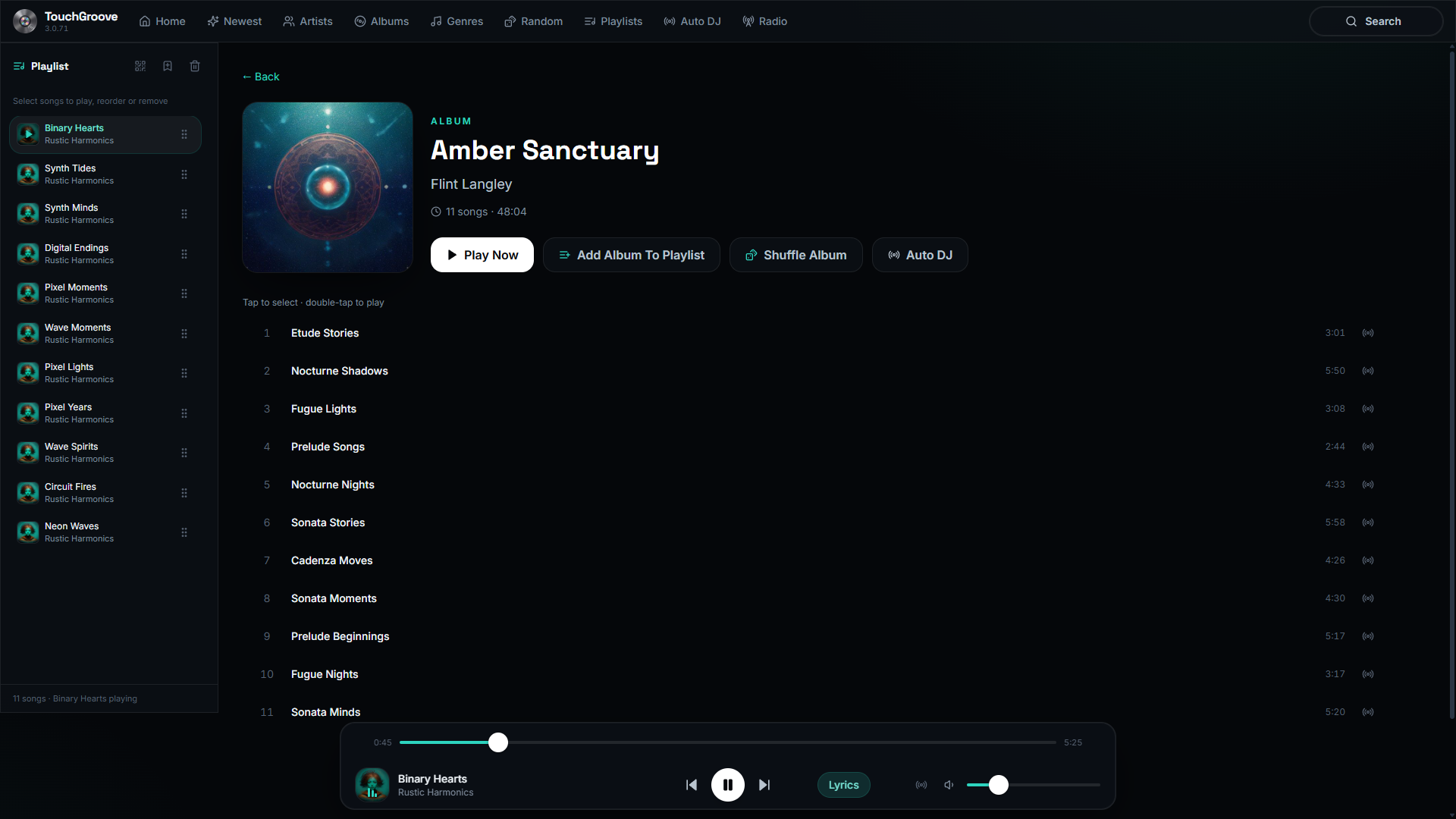
Each tab is a focused view built for the touchscreen. Tap a screenshot to see it full size.
Albums
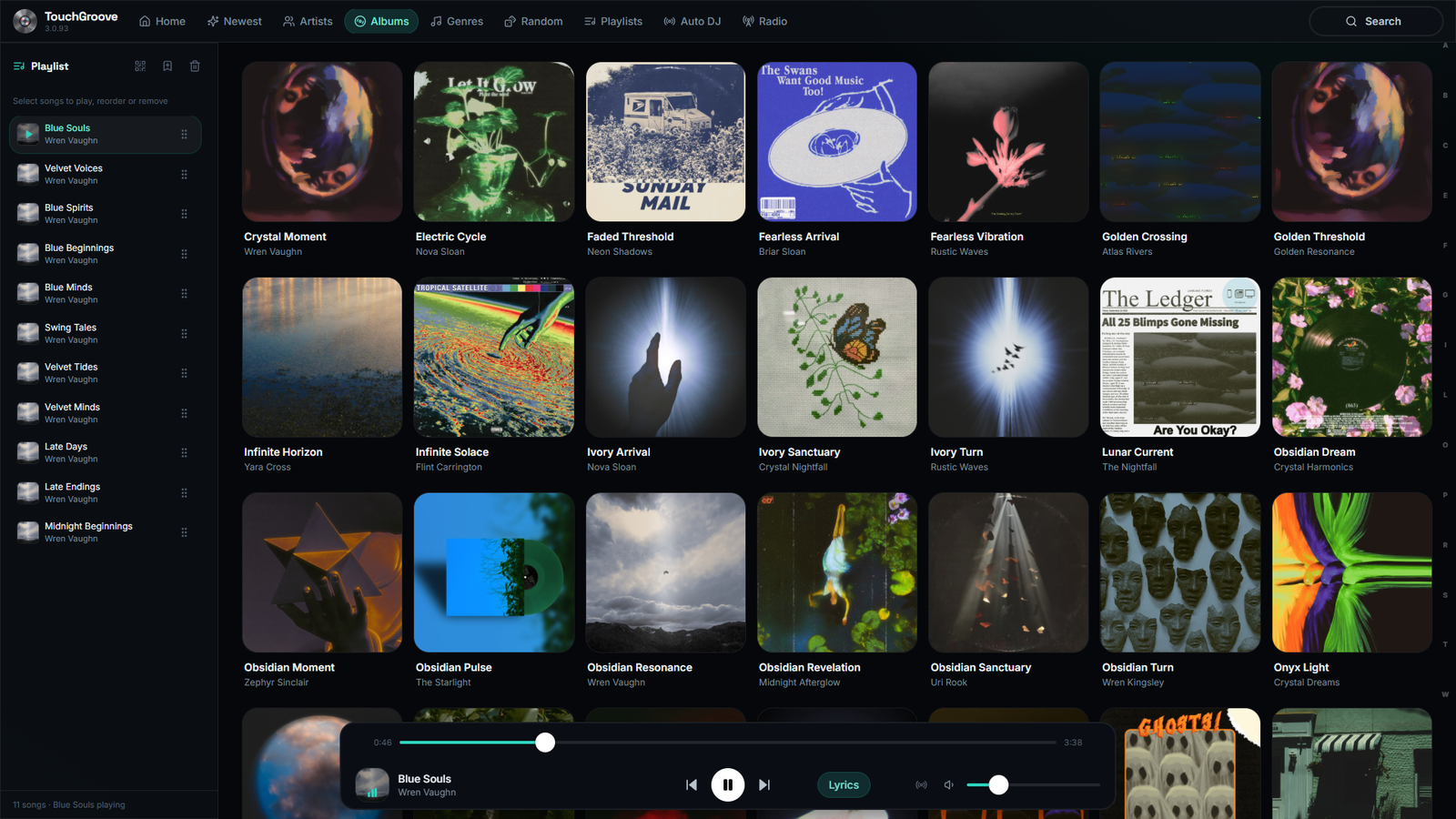
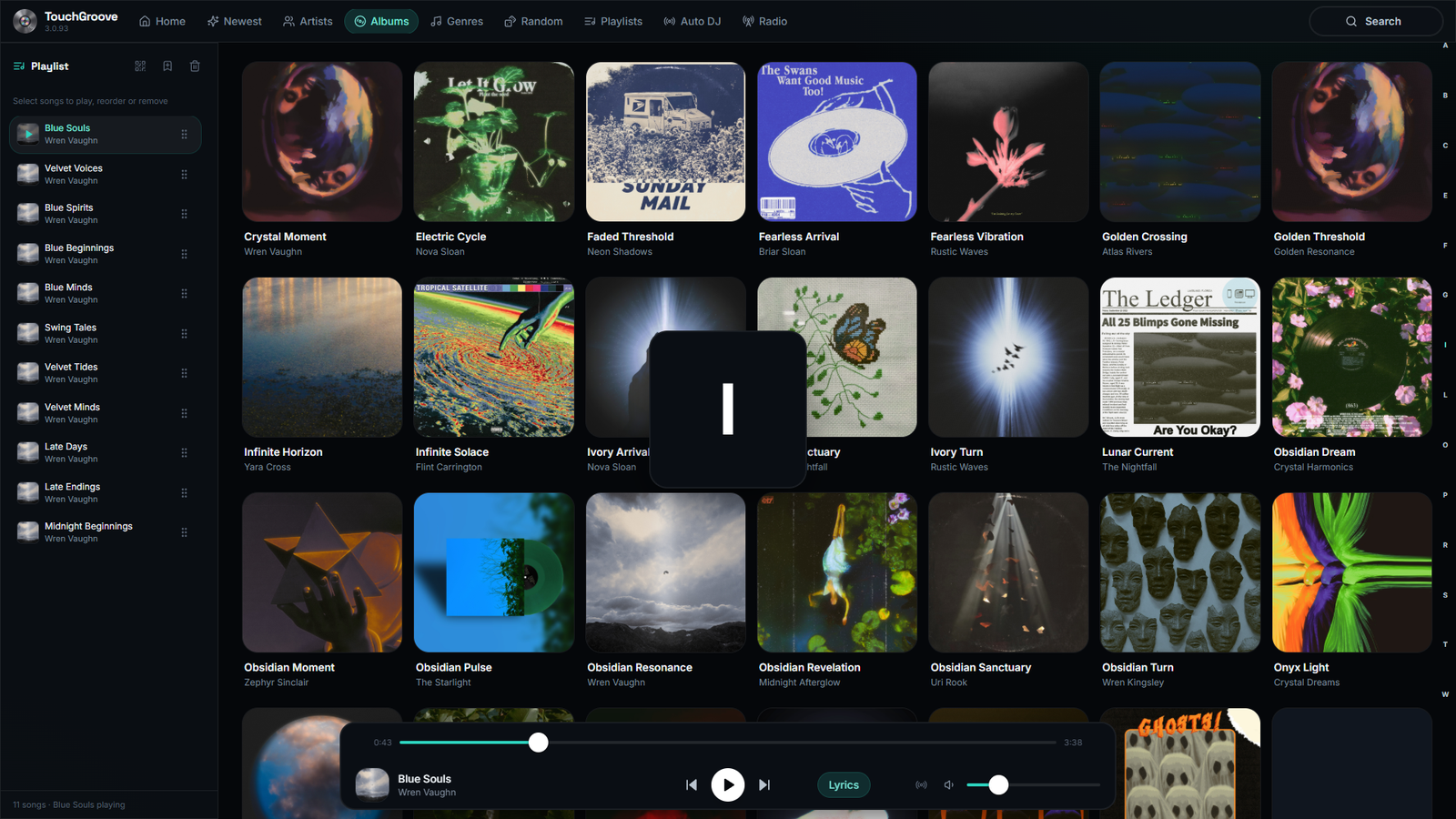
Browse the whole library in one place. A virtualized grid stays smooth even with thousands of albums.
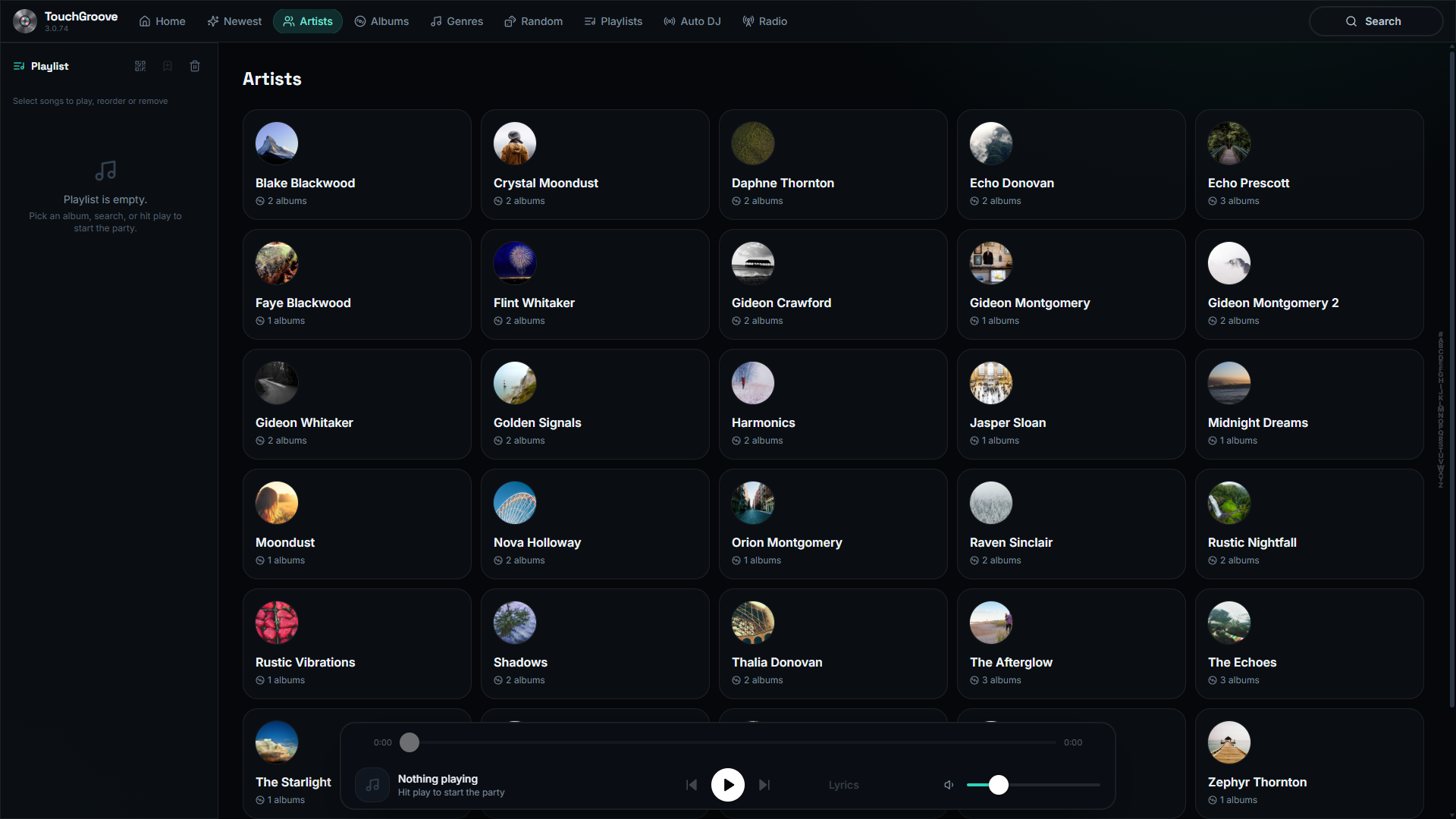
Artists
Find exactly who you want to hear. The letter-jump rail gets you there instantly.
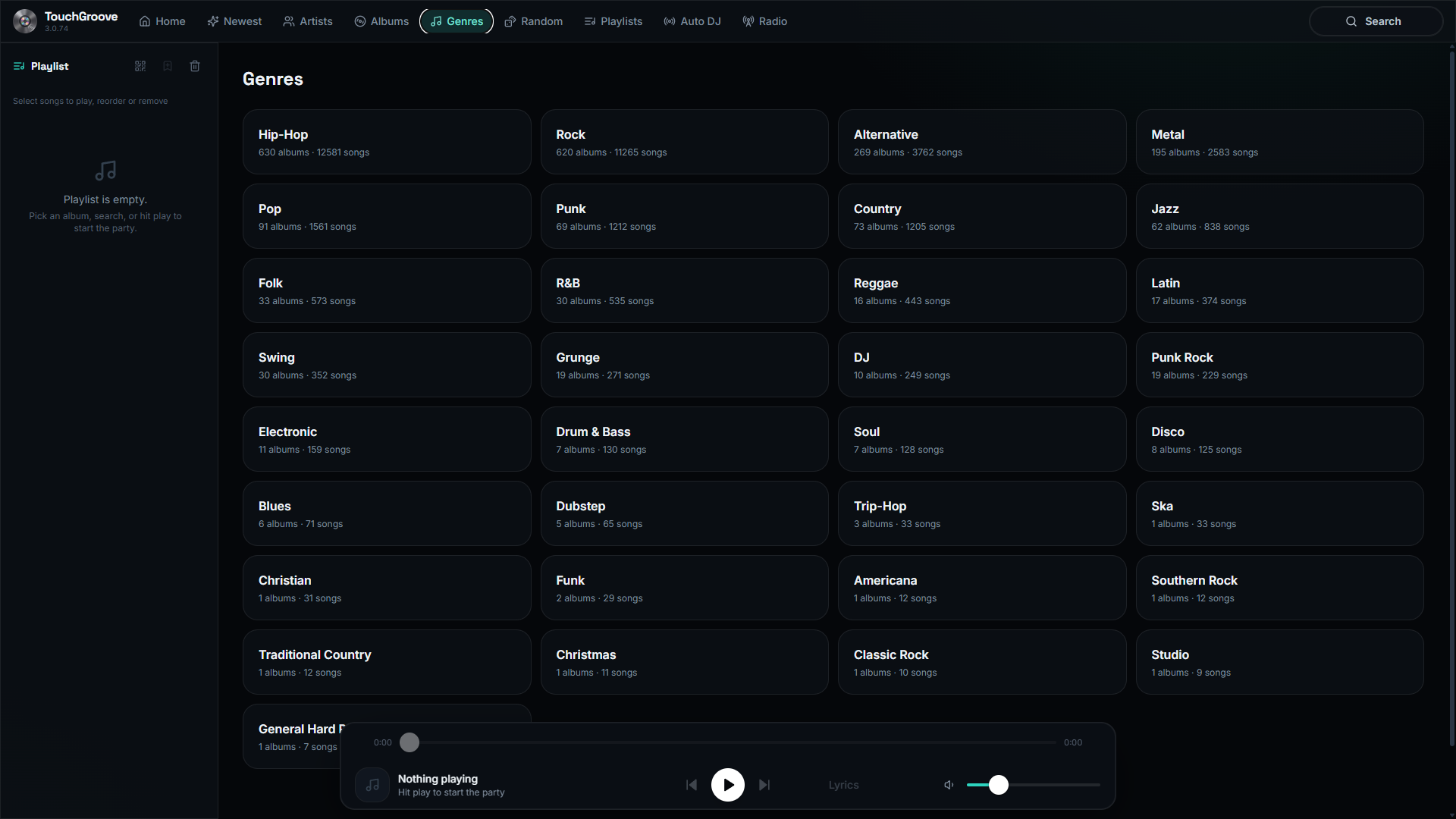
Genres
Pick the vibe. Genre browsing to match the mood of the room.
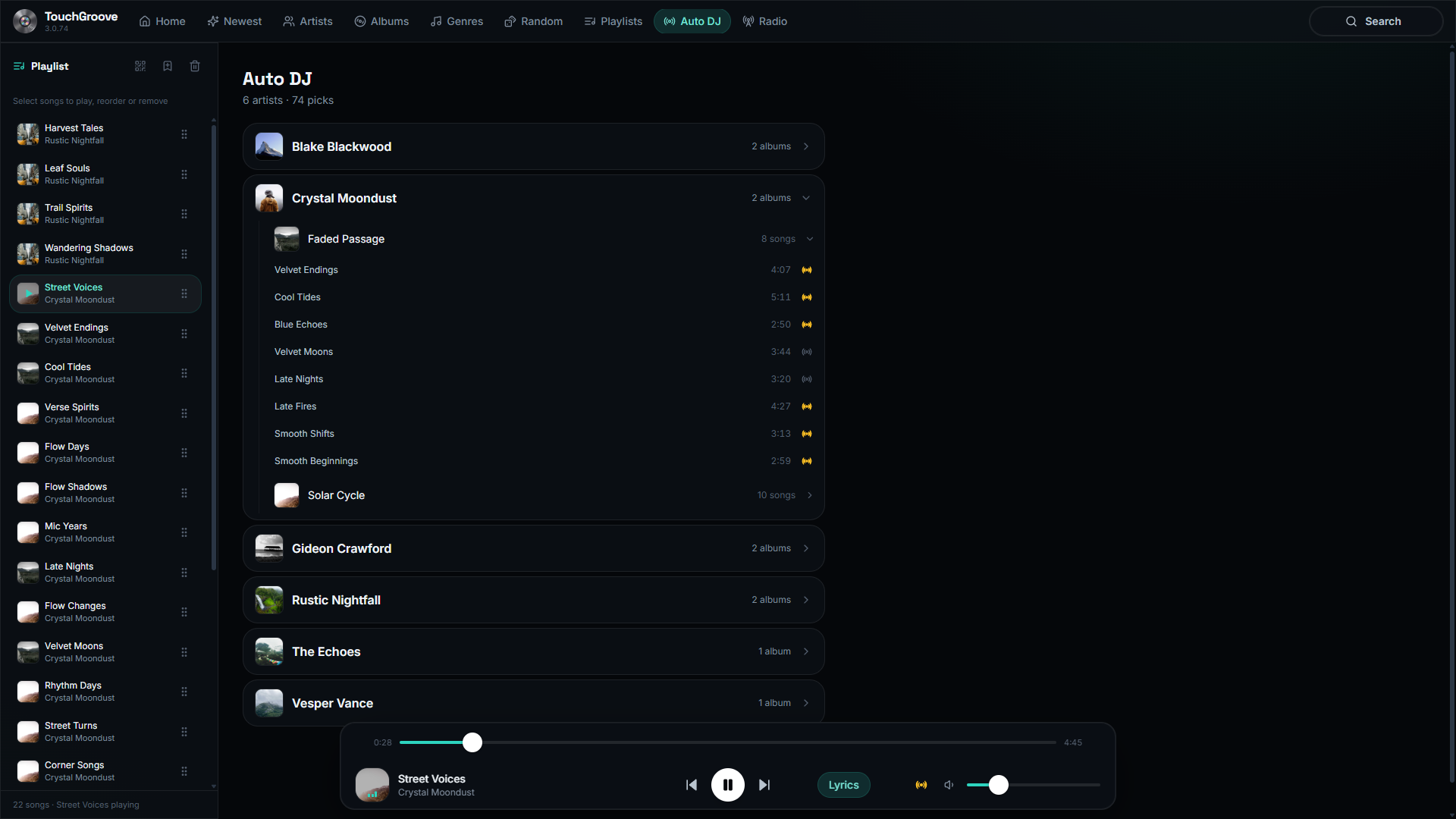
Auto DJ
Keep the party going. Music from your Auto DJ list keeps playing whenever the queue runs dry.
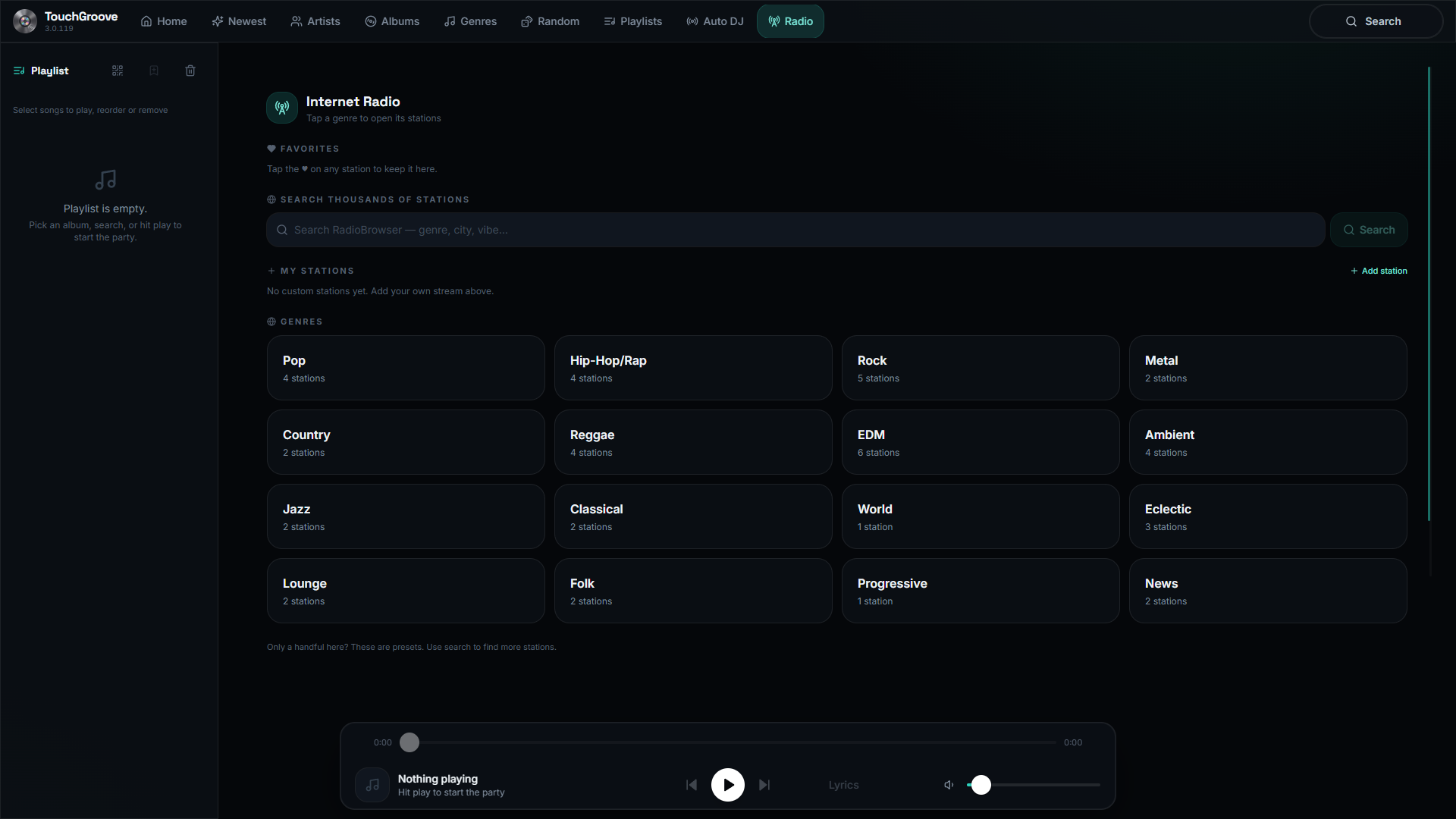
Radio
Can’t decide? Built-in internet radio stations fill the room in one tap.
Your library, your rules
Built for touch, not adapted for it
Browse thousands of albums without ever touching a keyboard. The album grid scrolls continuously, with no page breaks and no waiting. Quickly jump by letter for those large music libraries, and guests get the simple stuff and nothing they can break.
- Continuous scroll with no page breaks. The virtualized grid stays smooth with thousands of albums
- Letter-jump rail: tap a letter to jump straight to it
- 44px+ touch targets, tap-to-select and double-tap-to-play
- Guests get simple controls, with no menus or settings to accidentally change
Make it yours
Your jukebox, your colours
Change the colour scheme to match your space. Eight presets or any custom colour, and the whole app re-themes live, phone remote included, right down to the visualizer. Every tab and feature can be toggled off for a clean, focused kiosk.
- 8 accent presets + a custom colour picker
- Separate Auto DJ colour, or match the accent
- Every tab optional: Home, Newest, Albums, Artists, Genres, Random and more
- Album cover density, small, medium or large
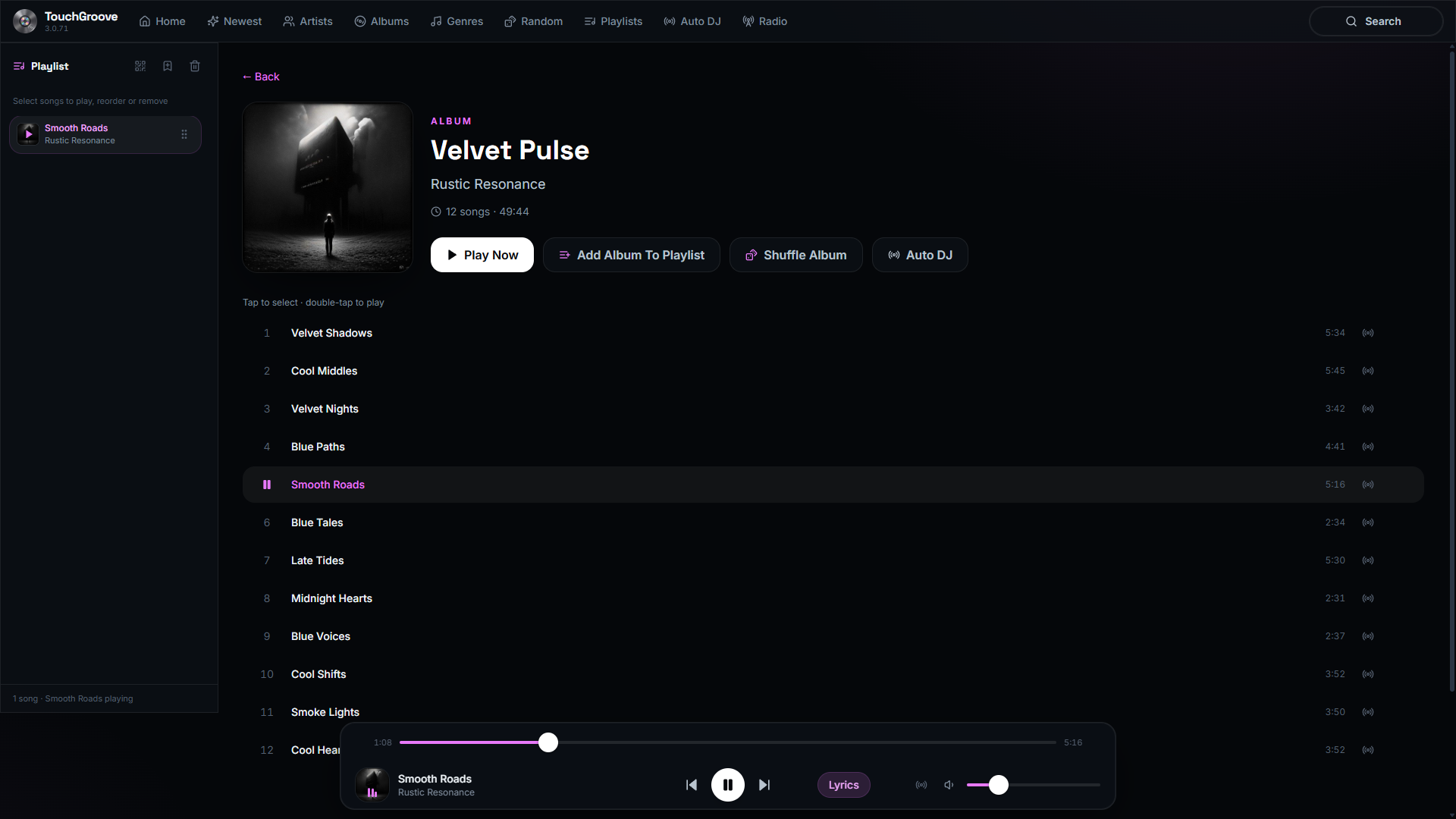
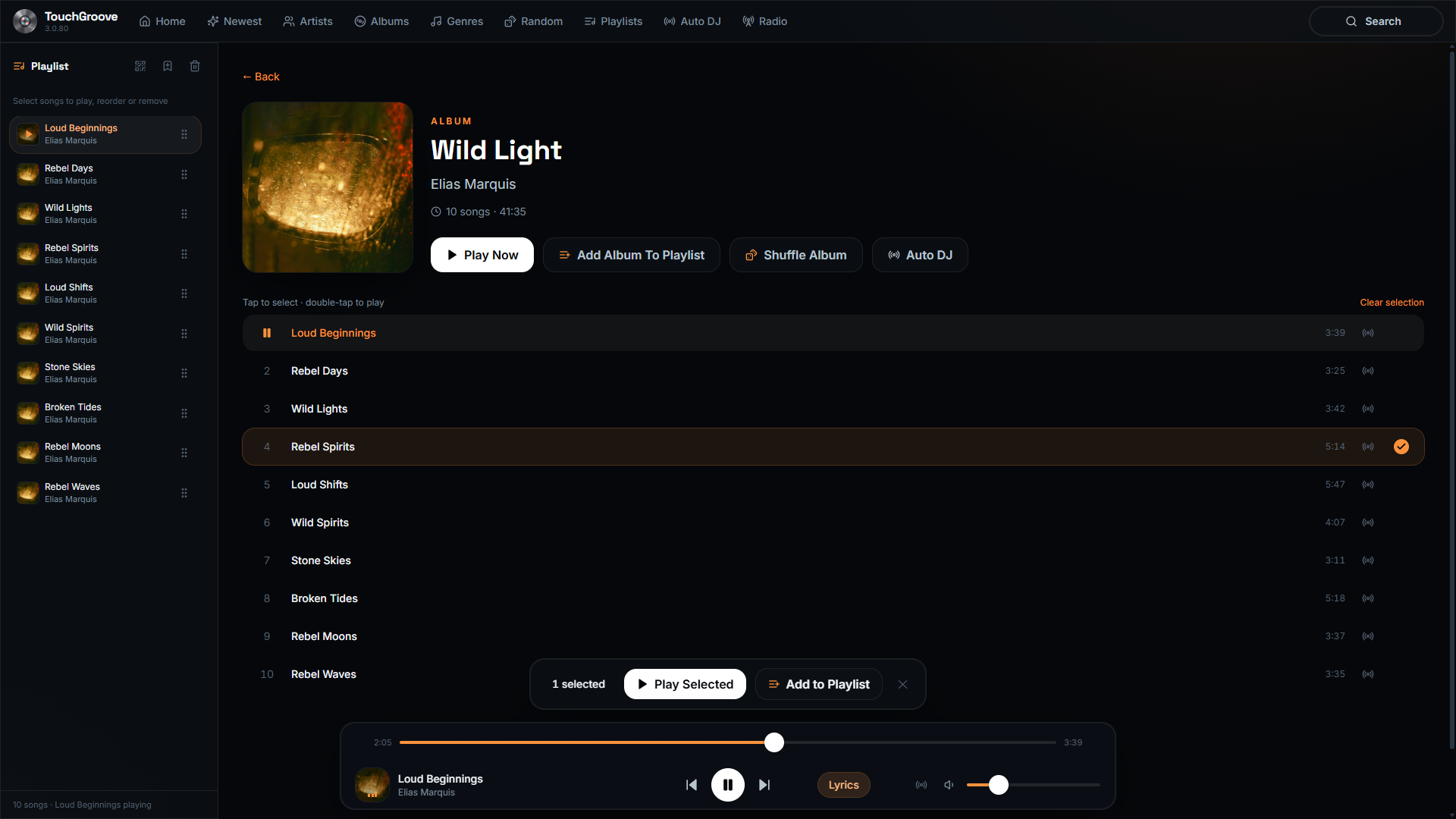
Eight presets, or any custom colour. The whole app re-themes live, phone remote included.
Kiosk-grade polish
Turn it on. It just runs.
Boots straight into fullscreen, recovers from WiFi stalls on its own, and plays formats other apps choke on. ALAC, AIFF and more are transcoded losslessly on the fly.
- Boots into fullscreen for true kiosk behaviour
- Stall-watchdog recovers from dropped WiFi automatically
- Plays ALAC/AIFF and mixed codec libraries via lossless transcode
- Optional local music videos with automatic audio remux
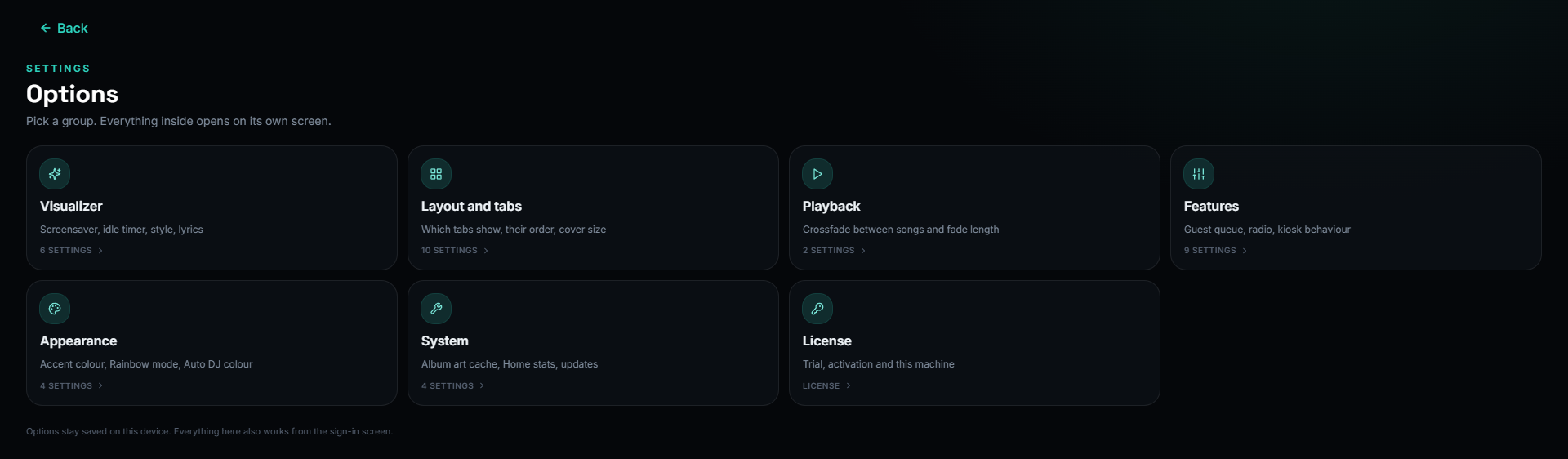
Options
The full options menu
One license. Every feature.
$39.99 CAD one-time, 7-day fully-unlocked trial. No subscription, no tiers, no forced updates.